Troubleshooting
Puppeteer browser not found
SES_UNHANDLED_REJECTION: (Error#1)
Error#1: Could not find Chrome (ver. 148.0.7778.97). This can occur if either

1. you did not perform an installation before running the script...
2. your cache path is incorrectly configured (which is: /home/js-recon-ubuntu-gui/.cache/puppeteer).
For (2), check out our guide on configuring puppeteer at https://pptr.dev/guides/configuration.
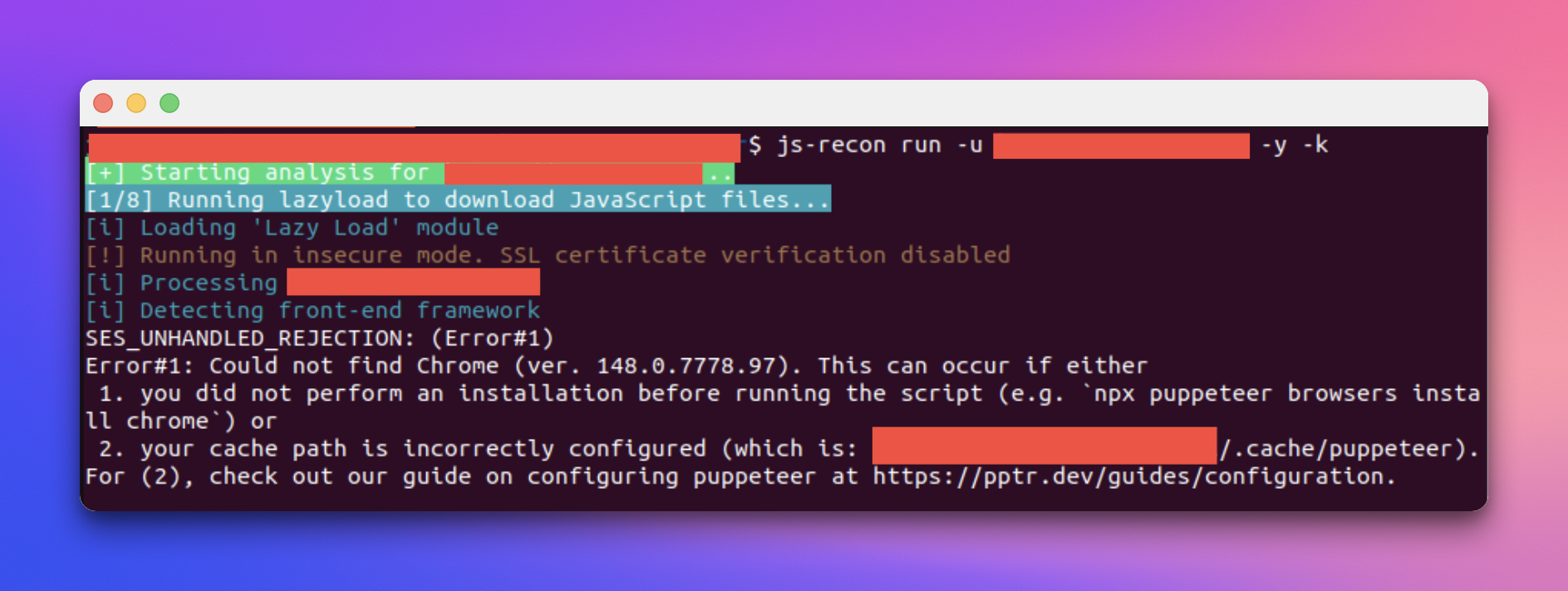
This happens because the browser, chrome in this case, is not installed. For this:
- Download and install Chrome for your system
- Run the command from the error
npx puppeteer browsers install chrome
Try running the command again. If it still fails, manually point the environment variable for puppeteer browser to chrome's executable path:
export PUPPETEER_EXECUTABLE_PATH=$(which google-chrome || which chromium-browser)